Best Writing Apps for Android Tablets & Samsung DeX (2027)
Laptops are heavy, full of multitasking distractions, and suffer from poor battery life. Here is how modern fiction authors build distraction-free drafting rigs with Android tablets.
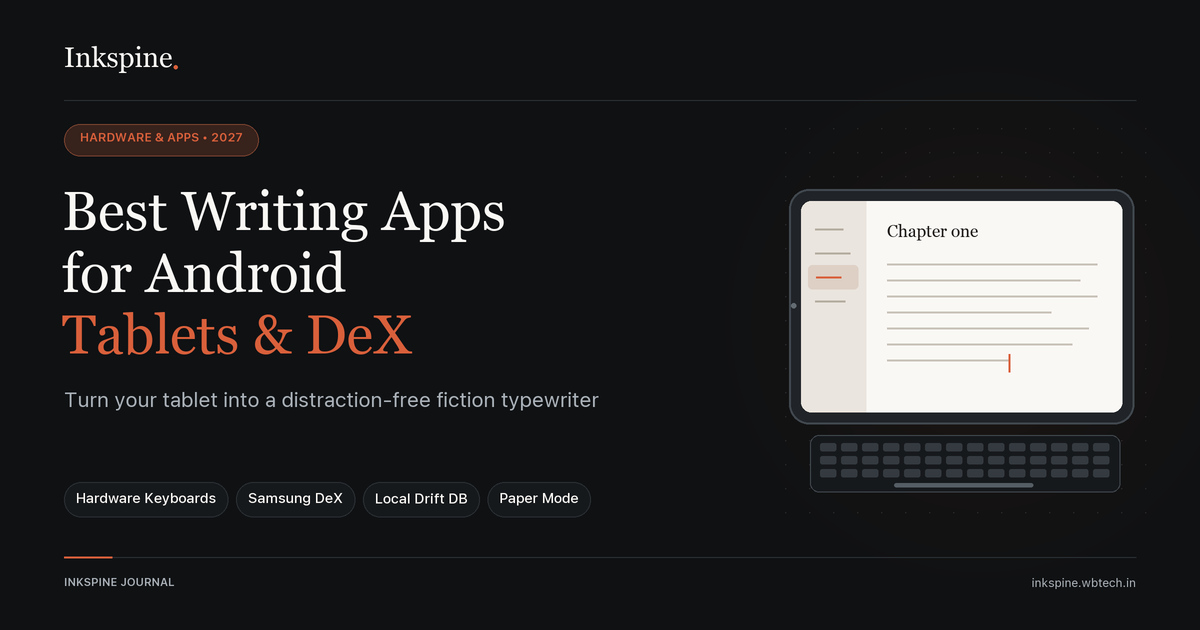
1. The Rise of the Tablet Writing Rig
Between social media tabs, browser extensions, and operating system alerts, a typical laptop is a minefield for writer’s block. In response, a massive community of novelists, mangaka, and essayists has embraced modular tablet writing stations.
An Android tablet paired with a Bluetooth keyboard provides 12+ hours of battery life, instant cold-start typing, and total isolation from desktop clutter.
2. Choosing Your Hardware: Tablets & Keyboards
- The Tablet: Samsung Galaxy Tab S9/S10 (for native Samsung DeX desktop windowing), OnePlus Pad 2 (3:2 aspect ratio ideal for documents), or Lenovo Tab P12.
- The Keyboard: A compact 60% or 65% mechanical keyboard (like Keychron K3, NuPhy Air60, or Logitech Pebble Keys 2) connected via low-latency Bluetooth.
- The Stand: A sturdy folding aluminum tablet stand to elevate the screen to eye level, preventing neck strain during 3-hour cafe sprints.
3. What Makes a Novel App Great on Tablets?
Most Android text editors are merely phone apps stretched across a wider display. A true tablet-grade novel suite requires:
- Adaptive Multi-Column Layouts: Utilizing tablet screen real estate to show chapter outlines and character sheets alongside the text.
- Full Hardware Keyboard Shortcuts: Formatting headings, navigating scenes, and switching block types without lifting fingers to touch the glass.
- True Offline Local Storage: Operating without Wi-Fi dropouts freezing document saves.
- Eye-Friendly Color Palettes: True dark modes and warm paper themes that reduce glare in cafes or late-night bedrooms.
4. Top Android Tablet Writing Apps Compared
| App | Tablet Adaptive UI | Keyboard Shortcuts | Offline Local DB | Story Bible |
|---|---|---|---|---|
| Inkspine | ✓ Native Responsive | ✓ Full Support | ✓ Drift SQLite | ✓ Cast & Lore |
| Novelist | ✓ Good | Limited | ✓ Local | ✓ Metadata |
| Microsoft Word | ✓ Desktop-like | ✓ Good | Sync reliant | None |
| Google Docs | Basic | ✓ Standard | Sync issues | None |
5. Why Inkspine Shines on Android Tablets & DeX
Inkspine was designed from the ground up with responsive layouts that automatically transform from compact mobile displays to full tablet split-screens and Samsung DeX floating windows:
- Warm Paper & True Dark Themes: Switch between a vintage paper-cut book theme and a rich OLED midnight mode.
- Dedicated Block Types: Rapidly tab between Dialogue, Narration, Action, and Manga Panel beats.
- Cast & Story Bible Drawer: Inspect your character profile sheets, motivation arcs, and world terminology with a quick gesture.
- Universal Export: When draft one is complete, export directly to EPUB, Word (.docx), or Markdown without leaving your tablet.
Turn your Android tablet into a dream typewriter.
Download Inkspine on Google Play or launch the web app directly. Fast, offline-first, and completely free of subscription paywalls.
6. Ergonomics & Battery Optimization Tips
To maximize your writing flow during travel or cafe drafting:
- Enable Airplane Mode: Eliminate notifications entirely. Because Inkspine stores your projects in local storage, you lose zero functionality while completely offline.
- Dim Display Brightness to 40%: OLED displays can easily reach 14+ hours of battery life with dark background palettes.
- Use Hardware Arrow Keys: Master keyboard-driven cursor navigation to keep your hands on home row without touching the glass screen.