Fountain vs Markdown for Screenwriters & Authors (2027)
Proprietary binary file formats can lock you out of your own manuscripts. Compare plain-text Fountain and Markdown, and see how modern block editors bridge both worlds.
1. The Case for Plain-Text Storytelling
Every veteran screenwriter has horror stories of trying to open a `.fdr` or `.celtx` project from 2012, only to discover the software was discontinued, the subscription expired, or the file corrupted.
Plain text is eternal. A `.txt`, `.md`, or `.fountain` file written today will still be 100% readable on any operating system fifty years from now.
2. What is Fountain? (Syntax & Screenwriting)
Created by screenwriters John August, Stu Maschwitz, and Nima Yousefi, Fountain is a plain-text markup language designed specifically for screenplays, teleplays, and scripts:
Rain streaks across neon advertisements. KENJI (20s) adjusts his coat collar.
KENJI
(whispering)
They're five minutes late.
A shadow drops from above with a muted THUD.
Fountain requires no special buttons: standard script capitalization and spacing naturally parse into industry-standard Hollywood script formatting.
3. What is Markdown? (Prose & Fiction)
Created by John Gruber, Markdown is the king of prose drafting, web publishing, and note-taking. It uses lightweight punctuation (`#` for headings, `*` for emphasis, `>` for blockquotes) to structure long-form novels, essays, and web articles.
While Markdown is exceptional for novels and worldbuilding wikis, it struggles with screenplay dialogue indentation, character cues, and manga sound effect callouts.
4. Head-to-Head Comparison Table
| Feature | Fountain | Markdown | Inkspine Block Engine |
|---|---|---|---|
| Primary Focus | Screenplays, Scripts | Prose, Docs, Web | ✓ Novels & Manga/Scripts |
| Dialogue Handling | ✓ Automatic Cues | Manual Quotes | ✓ Dedicated Dialogue Blocks |
| Panel & SFX Beats | Custom tags | Custom tags | ✓ Built-in Block Types |
| Story Bible Integration | None | Separate files | ✓ Cast & Lore Connected |
| Data Portability | ✓ Plain Text | ✓ Plain Text | ✓ Exports to Both |
5. The Inkspine Hybrid Approach: Structured Block Editing
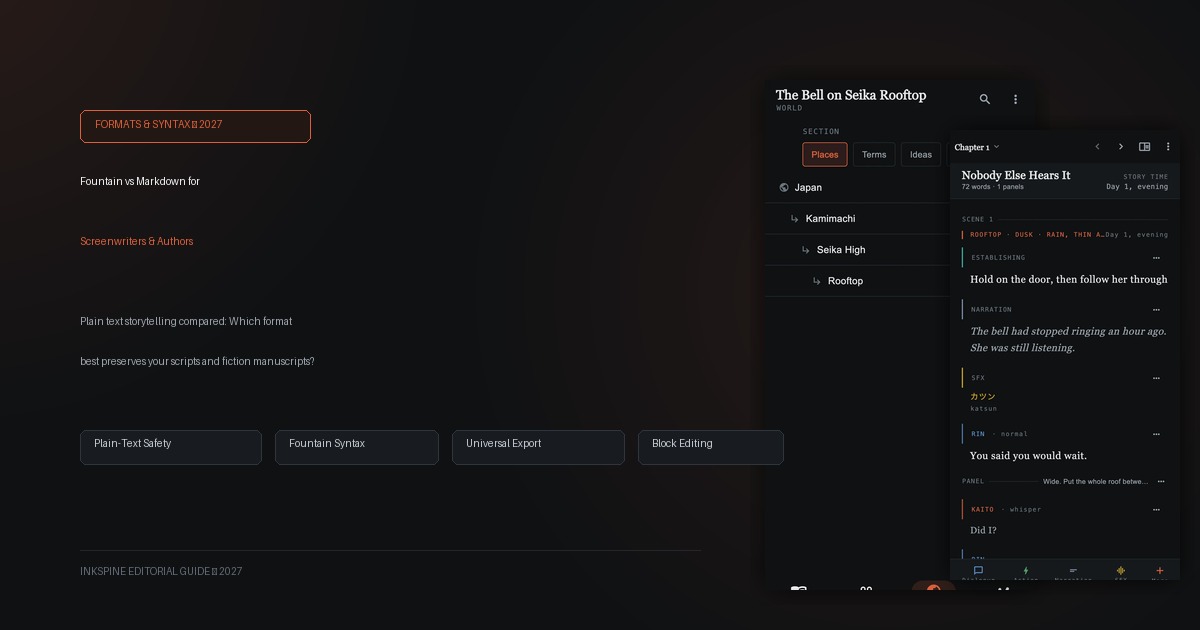
Rather than forcing you to memorize syntax rules or wrestle with strict formatting limitations, Inkspine uses a modern block-based storytelling model:
- Prose blocks: Seamless narrative typing for novels and light novels.
- Dialogue blocks: Instant character selection linked directly to your cast bible.
- Panel & SFX blocks: Purpose-built for manga, comics, and webtoon pacing.
Never lose control of your manuscripts.
Inkspine keeps your writing in safe local device storage with one-click export to Fountain, Markdown, Word, EPUB, and plain text.
6. Export Workflows for Industry Submissions
Write comfortably with structured visual blocks in Inkspine, then export directly to whatever format your publisher or editor demands:
- Delivering to Manga/Comic Artists: Export as clean Fountain or formatted script text with clear panel demarcations.
- Submitting to Novel Publishers: Export as Microsoft Word (.docx) or EPUB for Kindle and ereaders.
- Archiving for Eternity: Export as Markdown and project backups to store in your private archives.