Self-Publishing: Export to EPUB & Word for Amazon KDP (2027)
Nothing hurts a book launch faster than broken chapter breaks, inconsistent font sizes on Kindle Paperwhites, or unreadable mobi files. Here is how to format and export manuscripts cleanly.
1. The Self-Publishing Formatting Nightmare
You spent nine months polishing your fantasy novel or light novel manuscript. You hit "Publish" on Amazon Kindle Direct Publishing (KDP). Then the 1-star reviews roll in: "Weird indentations on my Kindle," "Chapter 4 merged with Chapter 5," or "Dialogue quotes look corrupted."
Traditional word processors like Microsoft Word or Google Docs inject hidden XML styling, manual tab-stops, and inline font overrides that render inconsistently across Kindle, Kobo, Apple Books, and Android reading apps.
2. EPUB vs. Word (.docx) vs. Markdown
Understanding which format to use at each stage of your publication pipeline is critical:
- EPUB 3: The international gold standard for ebooks. Reflowable, scalable, and accepted directly by Amazon KDP, Kobo Writing Life, and Apple Books.
- Microsoft Word (.docx): Essential for sending manuscripts to professional line editors, developmental editors, and proofreaders who rely on Track Changes.
- Markdown (.md): Future-proof plain text. Perfect for personal archives, version control, and author website serialization.
- Fountain: Industry-standard plain text for screenplays, anime scripts, and manga dialogue hand-offs.
3. Essential Front & Back Matter Checklist
A professional indie novel requires more than just chapter text. Structure your manuscript with:
- Front Matter: Title page, Copyright & ISBN page, Disclaimer (all characters are fictitious), and optional Dedication.
- Body: Numbered chapters with clean chapter headers and consistent scene breaks.
- Back Matter: Author's note, Newsletter signup call-to-action (vital for growing your reader list), "Also By" catalog list, and an invitation to leave an honest review.
Take the manuscript with you in any format.
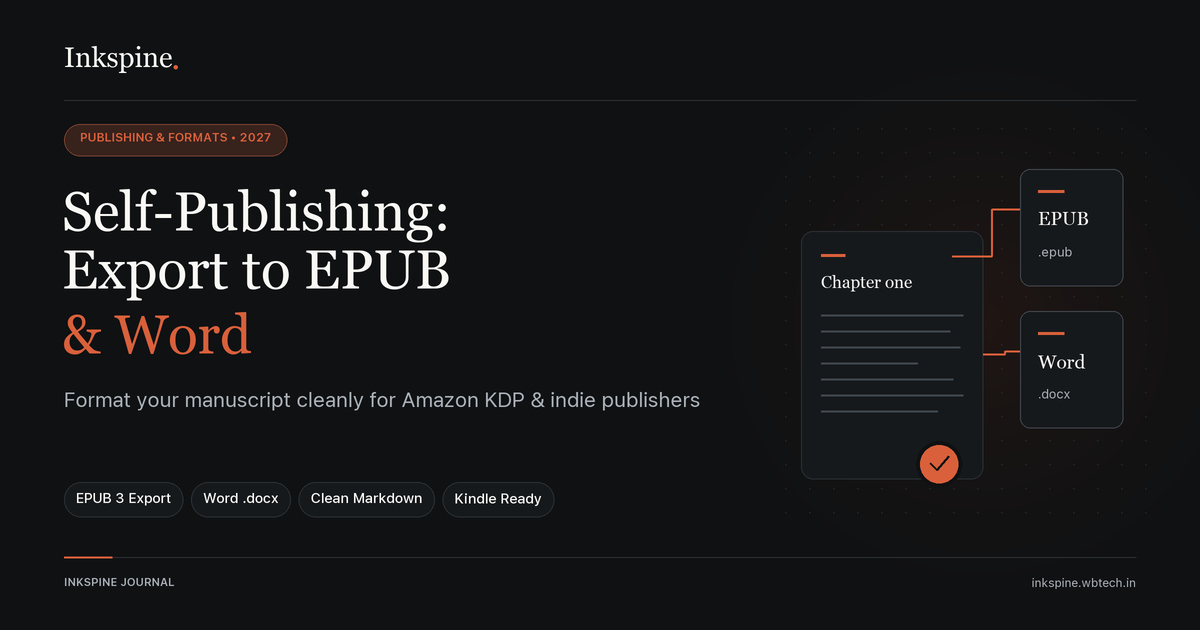
Inkspine compiles your chapters and scenes into clean Word (.docx), EPUB, Markdown, Fountain, or plain text with zero formatting corruption.
4. Avoiding Broken Formatting on Ereaders
- Never hit "Spacebar" or "Tab" to indent: Ebook readers automatically apply CSS paragraph indents. Manual tabs cause awkward double-indents.
- Use semantic scene breaks: Use a centered glyph or 3 asterisks (`* * *`) rather than multiple blank lines, which ereaders automatically collapse.
- Avoid hardcoded font sizes: Readers with visual impairments increase font size on their devices; hardcoded font sizes break text reflow.
5. One-Click Clean Compiles in Inkspine
In Inkspine, formatting is separated from drafting:
- Clean Semantic Engine: When you type dialogue or narration blocks, Inkspine tags them semantically. When exporting to EPUB or Word, it outputs flawless standard typography.
- Instant Project Backups: Download full project archive files to your device, ensuring you maintain 100% ownership of your life’s work.
- Free & Offline: Compile your book on an Android tablet in an airport or on your laptop without needing a monthly subscription like Vellum or Atticus.
6. Uploading to Amazon KDP & IngramSpark
- Export your finished project from Inkspine as an EPUB file.
- Log into your KDP Bookshelf and create a new Kindle eBook.
- Upload your EPUB manuscript under "Kindle eBook Content."
- Use KDP's Online Previewer to inspect page turns across phone, tablet, and Kindle ereader modes.
- Confirm pricing, set 70% royalty tier, and hit publish!