
Write anywhere. Even offline.
Private projects stay in local app or browser storage. Start without an account; the web app works offline after its first complete load.
Write novels, manga and scripts on Android or in your browser. Keep your manuscript, characters and worldbuilding together.
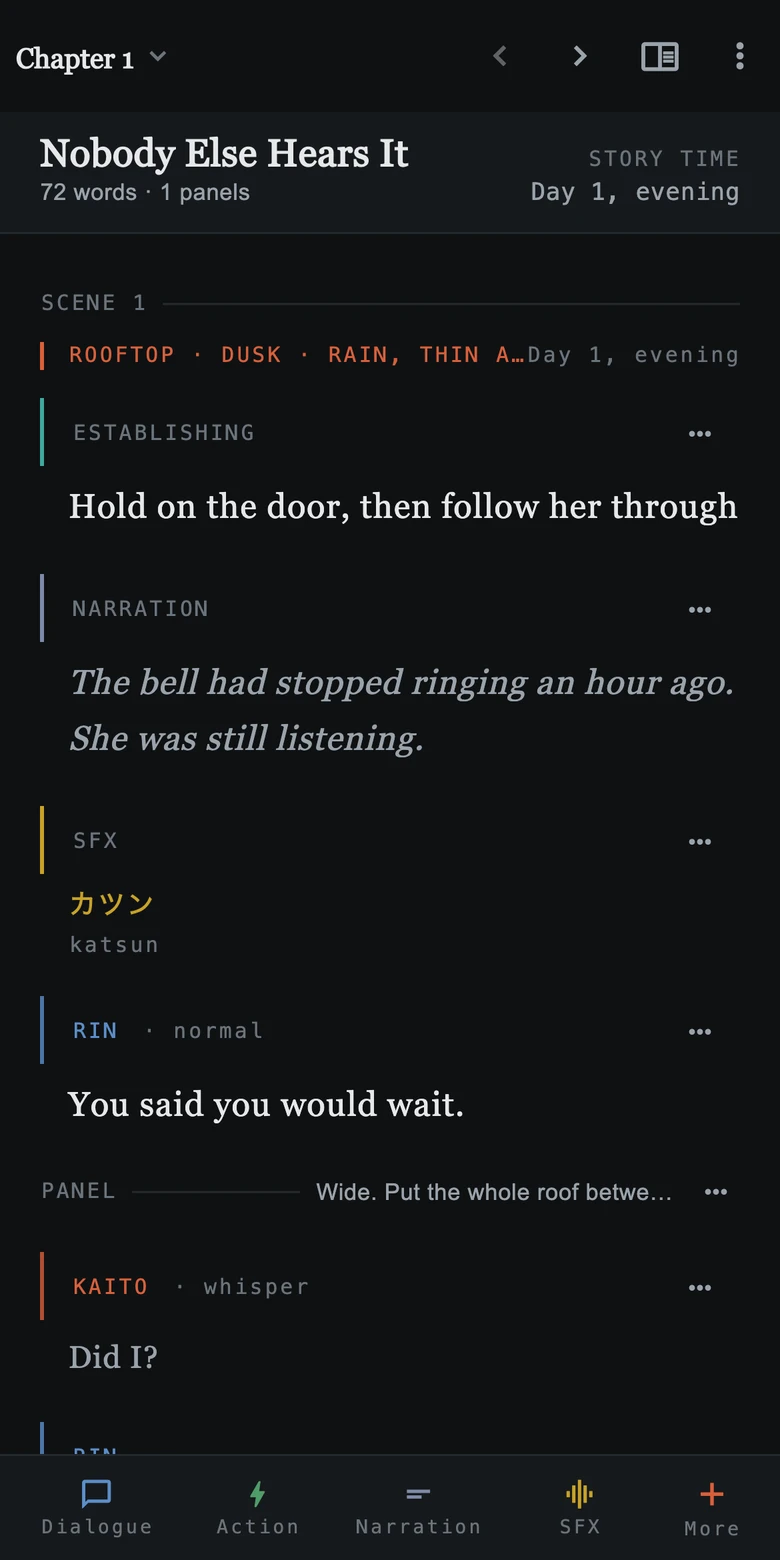
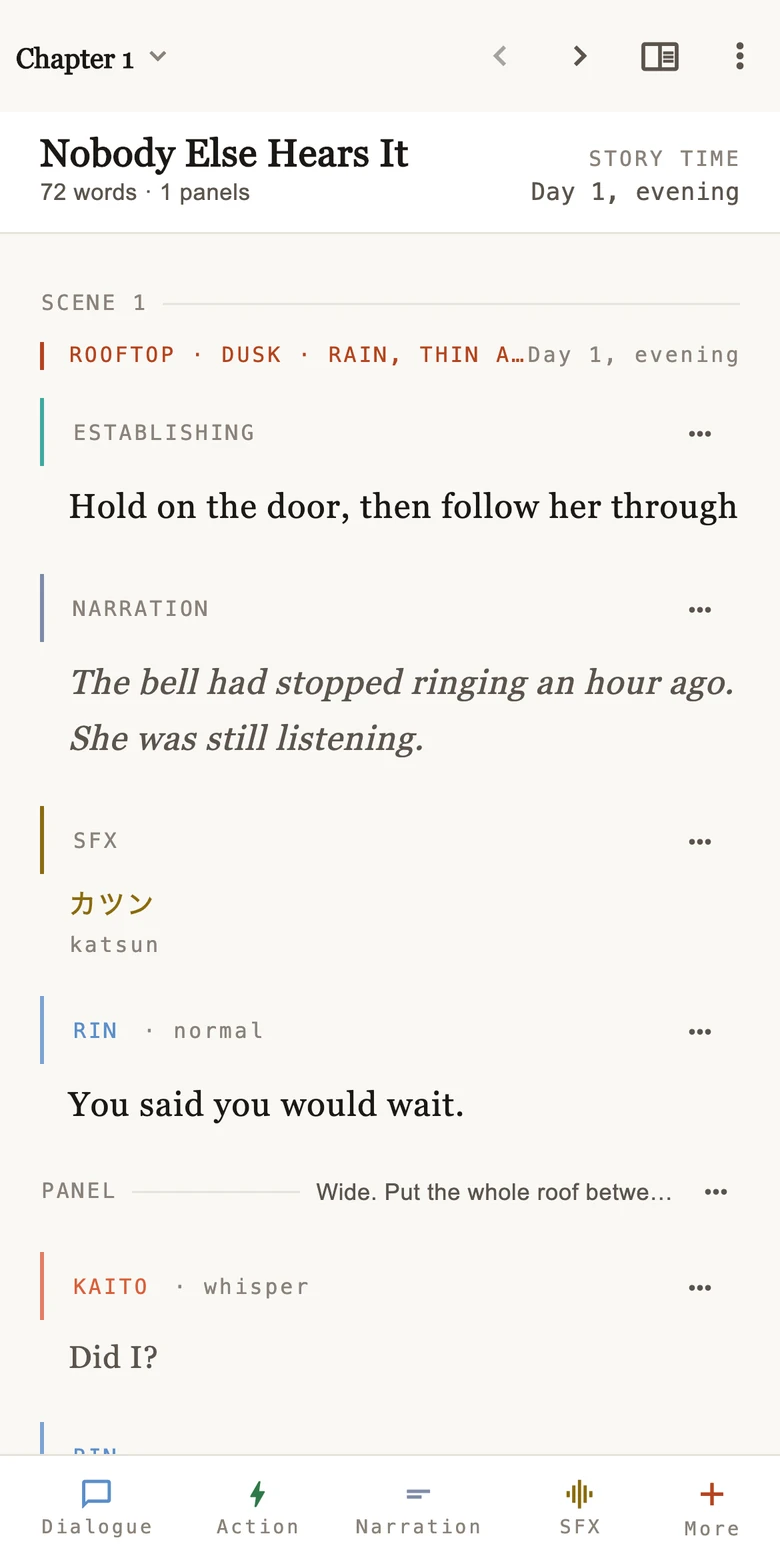
Explore the editor, cast, world and timeline with the included sample story.
Private projects stay in local app or browser storage. Start without an account; the web app works offline after its first complete load.
Arrange chapters and scenes. Group the story into volumes, arcs or seasons.
Sign in and invite collaborators to the projects you choose. Write together with live presence.
Export to Word, EPUB, Markdown, Fountain or plain text. Back up projects for safekeeping.

A character’s way of speaking. A place with a history. A thread you’ll pick up five chapters from now.
Keep them all connected to the story you’re telling.
Start your next projectYes. Private writing and planning work in local storage. For the web app, open Inkspine online once and allow its offline files to finish downloading. Collaboration needs a connection. Clearing site data removes browser-only projects, so keep backups.
You can start private projects without signing in. Sign in with Google when you want to use cloud features or collaborate.
Inkspine supports novels, serial fiction, comics, manga, webtoons and scripts. Use the block types and project structure that fit your story.
Export manuscripts as plain text, Markdown, Fountain, Word or EPUB. Project archives and library backups let you preserve your work for restoration in Inkspine.
Use Inkspine on compatible Android phones and tablets, or in a current desktop or mobile browser. Open the web app at app-inkspine.pages.dev. Sign in with the same Google account to access your synced projects.